 International
  Bahrain
  Cambodia
  China
China  Hong Kong
  India
India  Indonesia
  Ireland
  Italy
Italy  Japan
Japan  Malaysia
  New Zealand
  Philippines
  Singapore
  South Africa
  Taiwan
  Thailand
  United Arab Emirates
  United Kingdom
  United States
  Vietnam
  Document Management
  Digital Solutions
  Document Destruction
  E-waste & IT asset disposal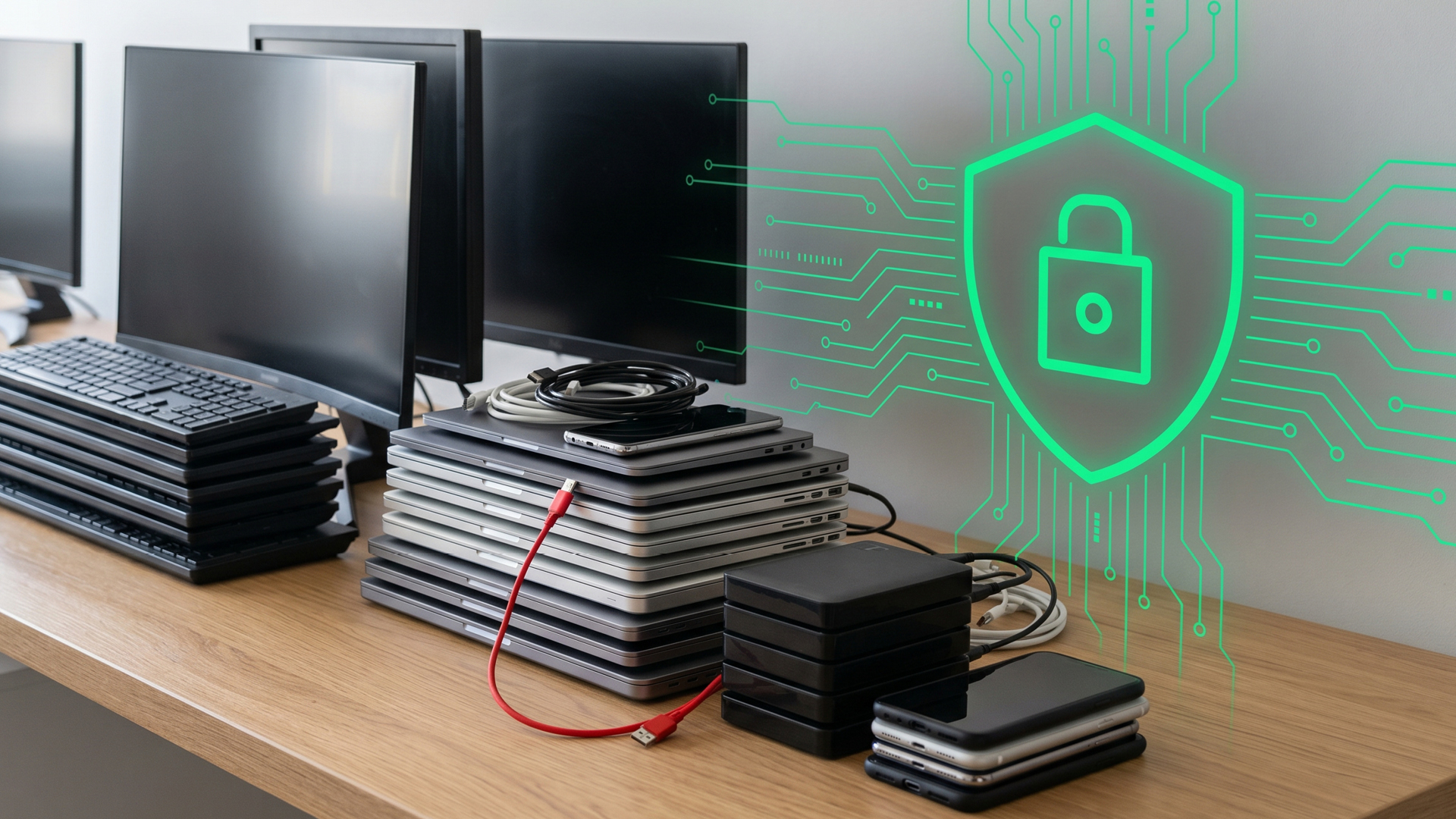
Old IT Assets Are a Bigger Data Risk Than Most Companies Think
Old IT assets rarely disappear quickly from an office.
A few laptops are kept after employees leave. Old desktops sit under desks. Hard drives are removed and placed in drawers. Mobile phones, monitors, network devices and servers are stored in boxes because no one is quite sure what to do with them.
On the surface, these may look like unused office items. In reality, many of them may still contain business information.
For companies, IT asset disposal is not only an admin task. It is part of data protection, compliance, security, audit control and environmental responsibility. This is why proper IT Asset Disposition, or ITAD, should be part of a company’s internal process when devices reach the end of their working life.
Old IT Assets Still Carry Business Risk
Most corporate devices carry or process sensitive information at some point. A laptop may contain customer records, contracts, emails, financial documents, HR information or login details. A mobile phone may store business messages, contact lists, photos, files and app access. A server or hard drive may hold years of operational data.
Even when a device is no longer used, the information inside it may remain accessible if it has not been handled properly.
This creates a quiet risk for companies. The device may have no value to the business anymore, but the data inside it may still be valuable to someone else.
Deleting Files Is Not Always Enough
Many businesses assume that deleting files, formatting a drive or performing a factory reset is enough before disposing of old equipment. These steps may reduce visible access, but they do not always provide the level of protection required for corporate disposal.
This is especially important for organisations that handle customer records, employee information, financial data, healthcare files, legal documents or confidential business information.
If a device leaves the company without proper data sanitisation or destruction, the organisation loses control over what happens next. That is where the danger begins.
Common Devices That May Still Hold Data
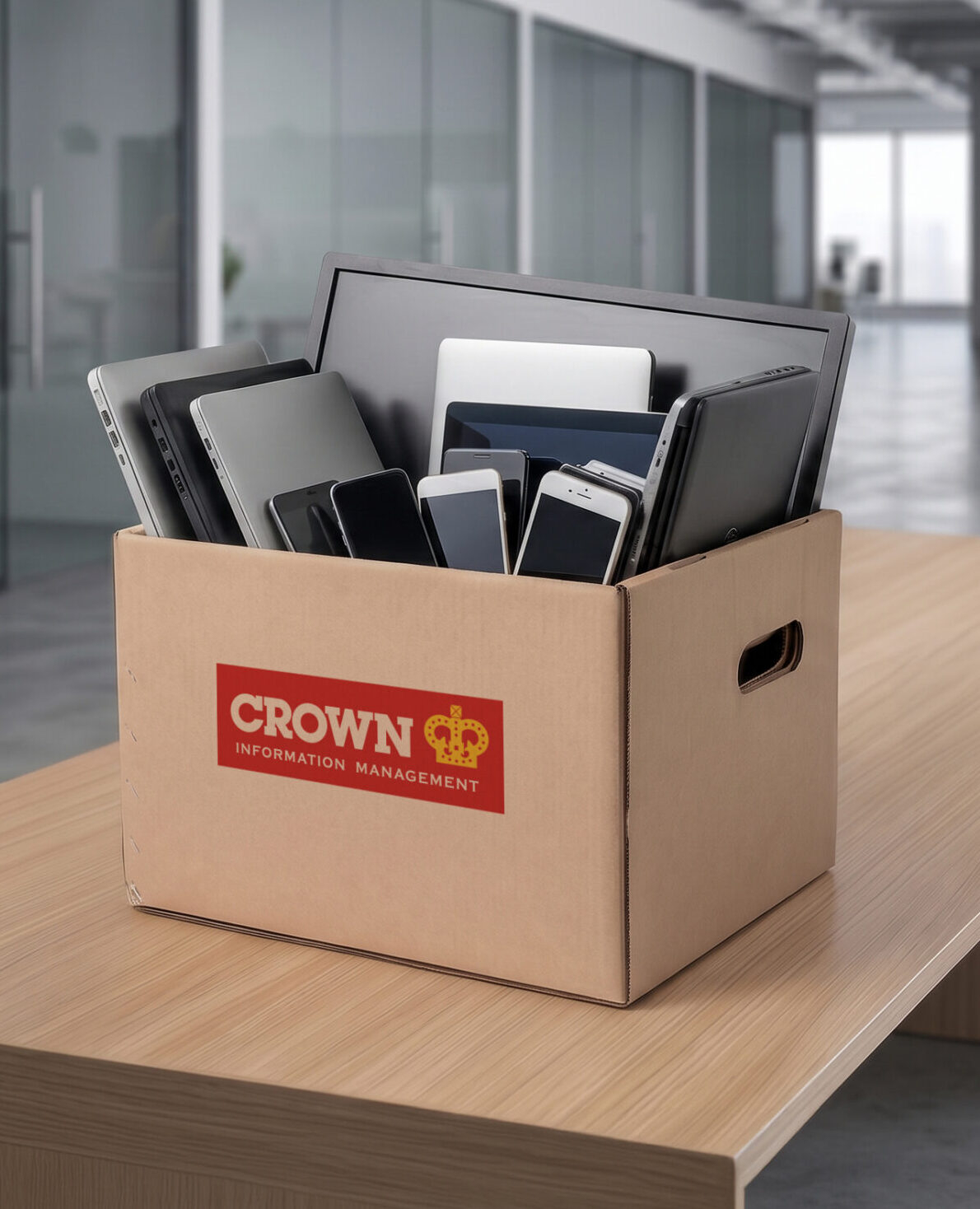
Data risk is not limited to laptops and desktop computers. Many office devices can store information, including:
- Laptops and notebooks
- Desktop computers and workstations
- Hard drives and SSDs
- Servers and storage devices
- Mobile phones and tablets
- Network devices, routers and firewalls
- Printers, scanners and fax machines
- CCTV and camera equipment
- Docking stations and removable storage media
Some of these assets may look harmless because they are old, damaged or switched off. That does not mean the data inside has disappeared.
Why ITAD Matters for Corporate Disposal
ITAD gives companies a structured way to manage old technology assets. A proper ITAD process helps the business identify what is being disposed of, separate data-bearing devices from general e-waste, choose the right method of data erasure or destruction, and keep records of the disposal.
This is important for several departments:
- For IT teams, it helps reduce data leakage risk.
- For compliance teams, it supports internal control and audit requirements.
- For finance teams, it helps keep asset records clean.
- For admin and facilities teams, it clears office space without taking unnecessary risks.
- For leadership teams, it supports a responsible approach to data and environmental management.
In short, ITAD helps make sure that old devices are not handled casually.
The Environmental Side of IT Asset Disposal
Poor disposal of electronic waste can also create environmental problems. Many electronic items contain materials that should not be discarded like general rubbish. Responsible disposal helps reduce the risk of harmful materials entering landfills and supports the recovery or recycling of usable materials where possible.
For businesses, this is part of doing the right thing. It also shows that the organisation is taking a responsible approach to both information security and environmental care.
What a Secure ITAD Process Should Include
A proper ITAD process should be clear, controlled and documented. At a basic level, companies should look for the following:
- Secure collection or handling of the devices
- Identification of data-bearing assets
- Data erasure, degaussing or physical destruction, depending on the asset type
- Responsible disposal or recycling of e-waste
- Documentation for internal records
- Support from a provider experienced in secure destruction and information management
The key is to avoid informal disposal. Passing old devices to unknown parties, general scrap collectors or unverified channels may save time in the short term, but it can create security and compliance problems later.
How Crown Information Management Malaysia Can Help
Crown Information Management Malaysia provides e-waste and IT asset disposal solutions to help businesses manage end-of-life IT equipment securely and responsibly.
This includes support for data erasure, degaussing and physical destruction, depending on the type of device, the condition of the asset and the organisation’s security needs.
For companies with old computers, laptops, phones, hard drives, monitors, servers or other IT equipment, Crown Malaysia can help ensure these assets are disposed of with proper care instead of being left in storage or discarded without control.
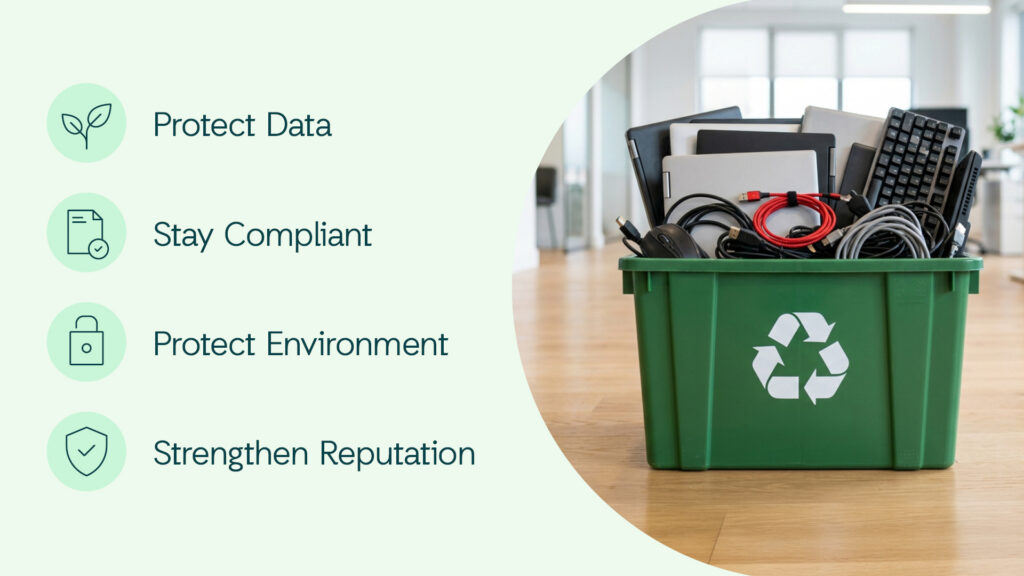
Old IT assets should not be treated as ordinary office clutter. They may still contain confidential business information, even when they are no longer used.
By putting a proper ITAD process in place, companies can reduce data security risk, support compliance, clear office space and manage e-waste more responsibly.
A device may be at the end of its life, but the data inside it still deserves proper protection.
Ready to Dispose of Old IT Assets Securely?
Old laptops, hard drives, phones, servers and other office devices may still contain confidential business information. Crown helps organisations manage end-of-life IT equipment through secure data erasure, degaussing, physical destruction and responsible e-waste disposal.